
Submit Your Case
Follow these three simple steps to send us your completed forms.
1
Download Form
Pick the PDF forms your case needs and download them to your computer.
2
Fill Out & Save
Complete each form on your device, then save the filled-out copies.
3
Upload
Click the upload button below to send your completed forms and digital files via WeTransfer.
Steps 1 & 2: Download & complete your forms
Download the forms you need, fill them out, and save them. Click an image to download.
Client Information Form
Share basic details about your practice and patients.
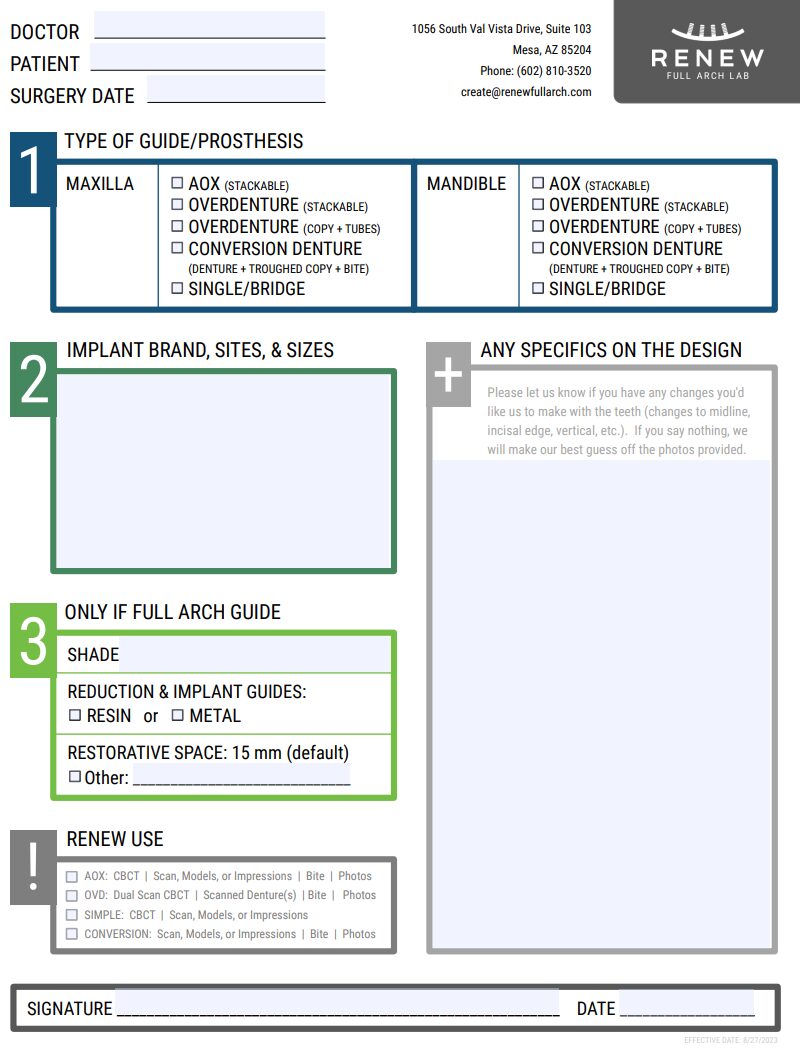
Surgical Guide Form
Gives us the info we need to design accurate surgical guides.
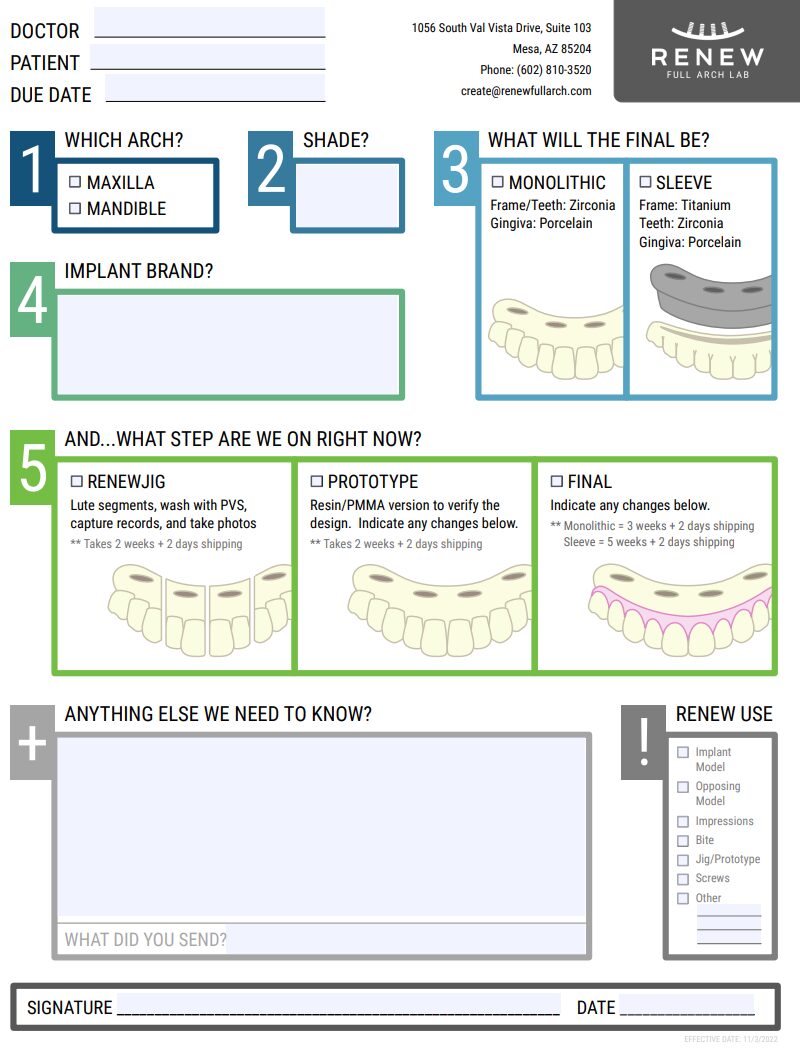
All-on-X Form
Provide specs for full-arch restorations so we can get them just right.

Step 3: Upload your completed forms
Once your forms are filled out and saved, click below to upload them securely via WeTransfer.